FAQ - Share as image
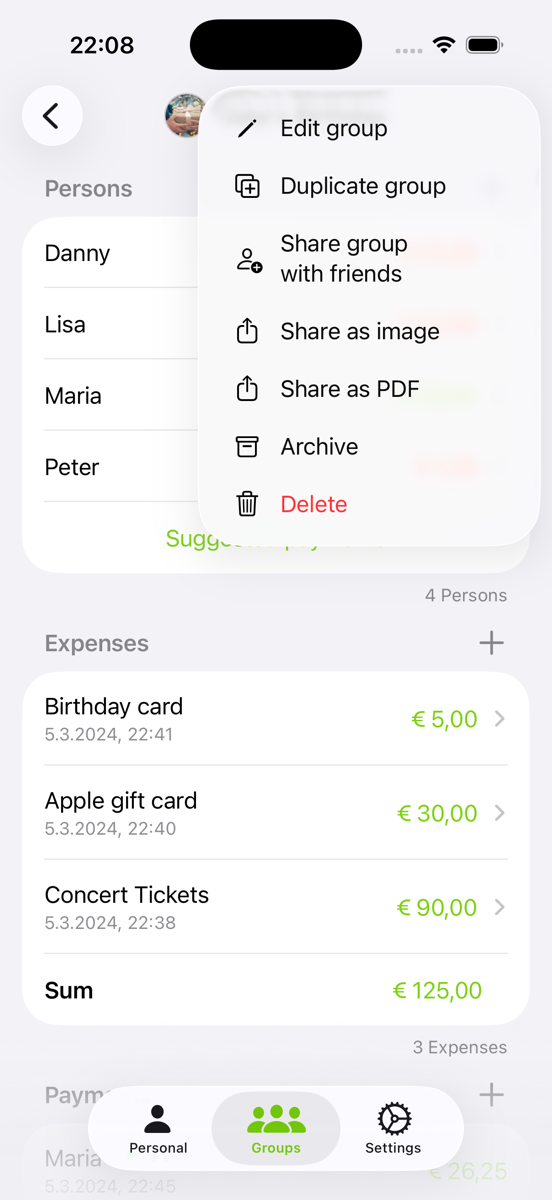
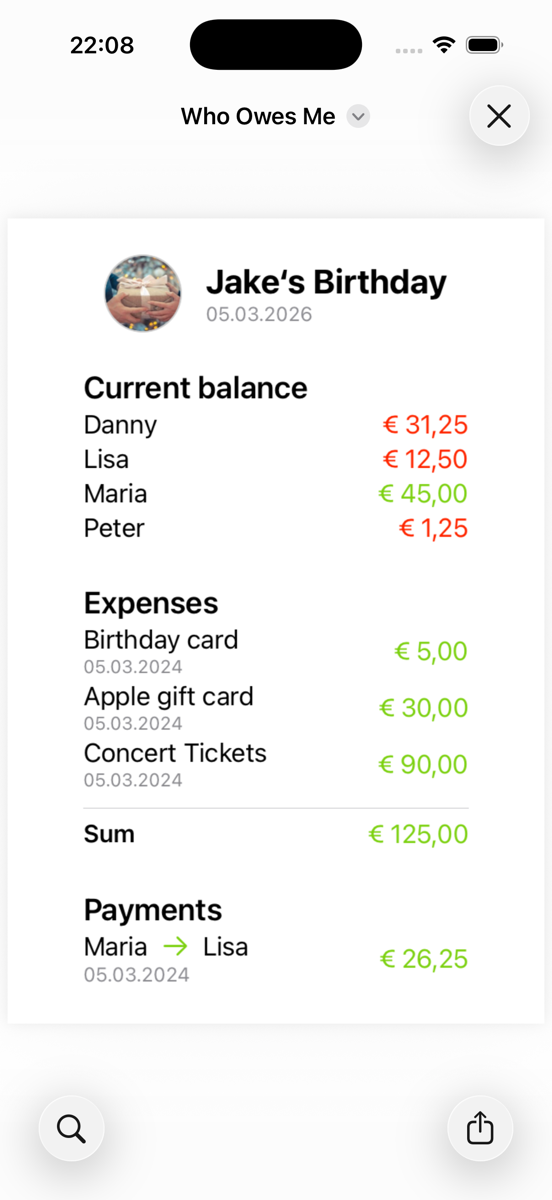
To share all the information from a group as an image, simply click the three dots in the top right corner and select “Share as image”. The image will be generated, allowing you to share it with any app of your choice.
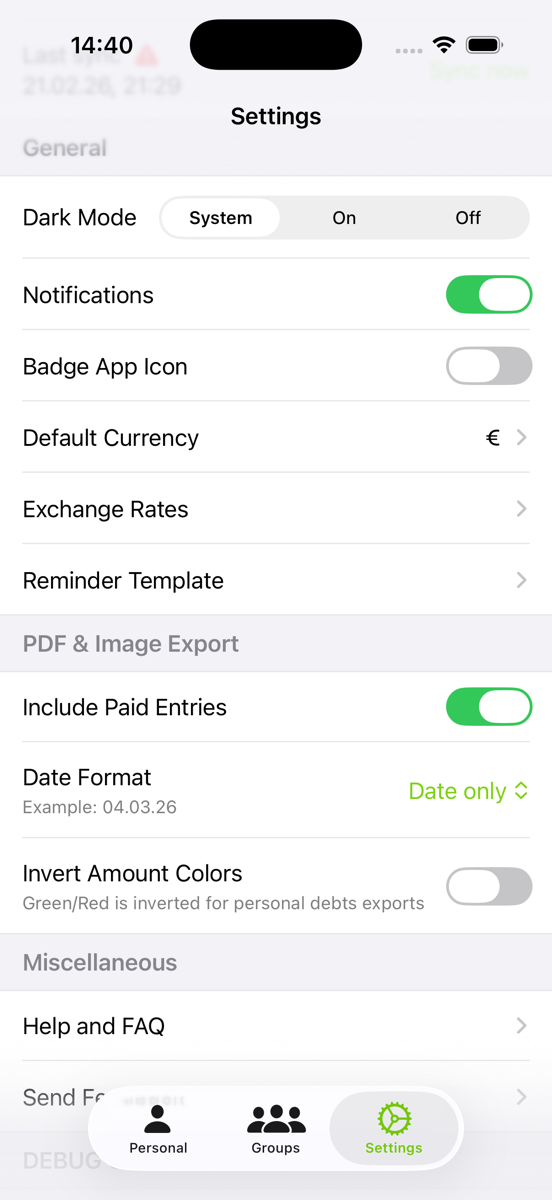
In the app settings, you can adjust the option to display either just the date or both the date and time of the entries.