FAQ - How do overdue payment notifications work?
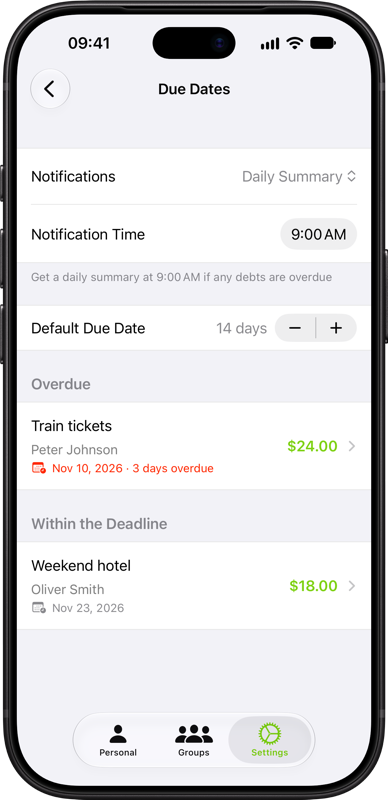
Go to Settings → Dates & Schedules → Due Dates. Under Notifications, choose Daily Summary or Per Overdue Debt, then choose a notification time. You get alerts at that time when there are unpaid overdue debts. In Per Overdue Debt mode, five or more overdue debts are grouped into one summary.
Tap a summary to open Due Dates or an individual alert to open that debt. These notifications appear on your device. You can turn them off from the same menu.