FAQ - How do recurring debts work?
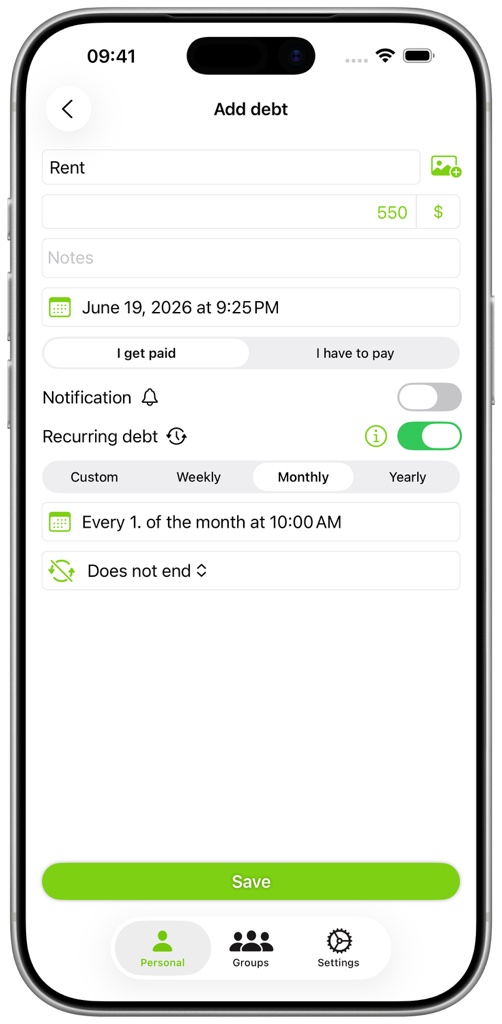
Enable recurrence while adding or editing a debt, then choose its interval and, when available, its end condition. When a recurrence becomes due, the new debt is created the next time you open the app. If Cloud Sync is active, it is then synced to your other devices.
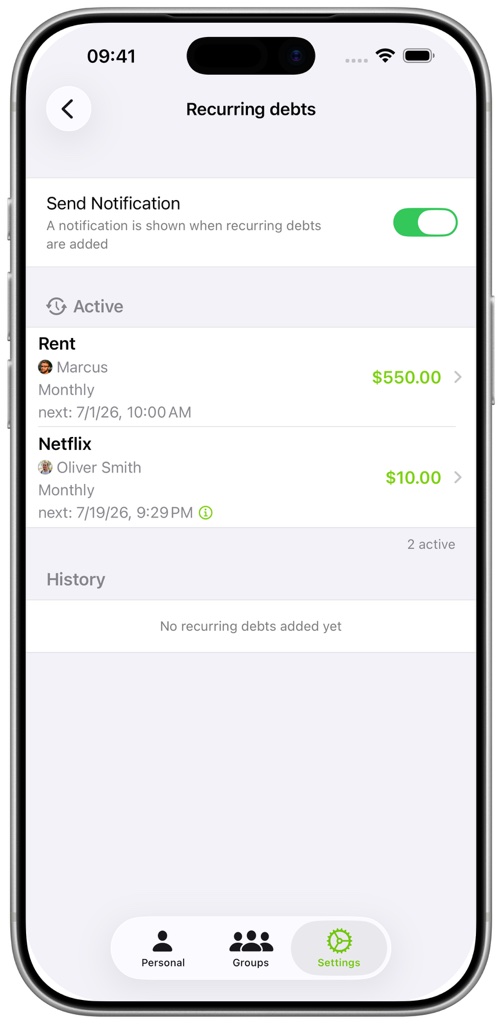
Open Settings and select Recurring Debts to see upcoming recurrences, recently created debts, and notification options. Edit the original debt to change or stop its recurrence.