FAQ - How can I share a split group as an image or PDF?
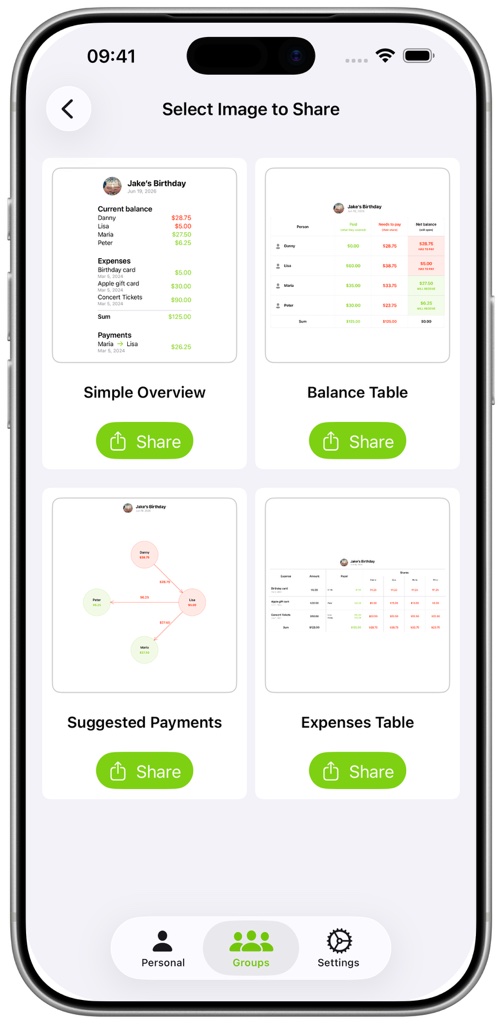
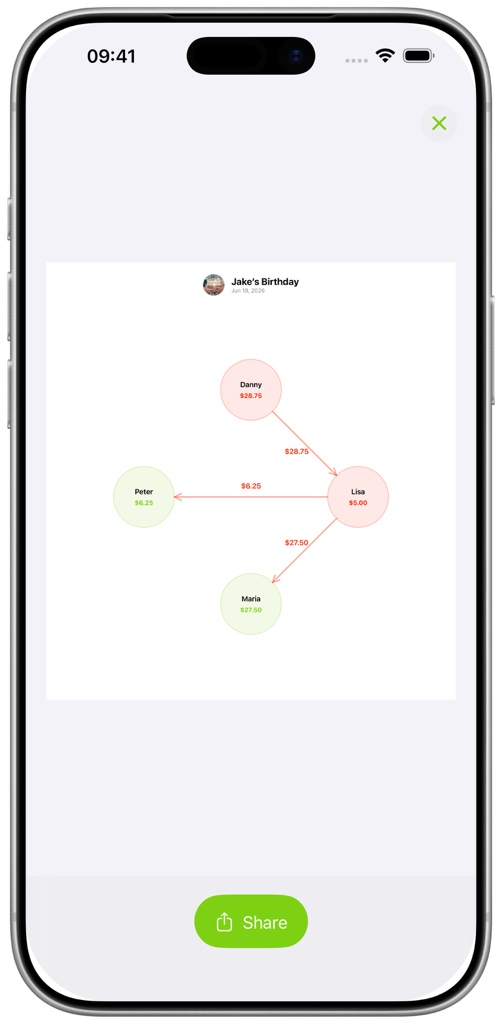
Open the group's three-dot menu and select Share as Image. Choose a design such as Simple Overview, Balance Table, Suggested Payments, or Expenses Table. Tap a design to preview it, then pinch or double-tap to inspect details before sharing.
Choose Share as PDF when you need a printable document containing the group information. Date display options for exports are available in Settings.