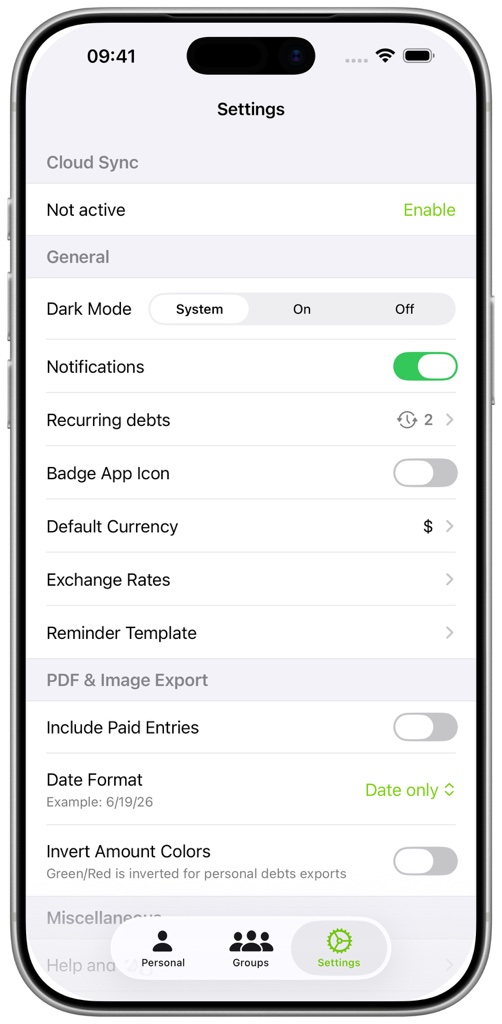
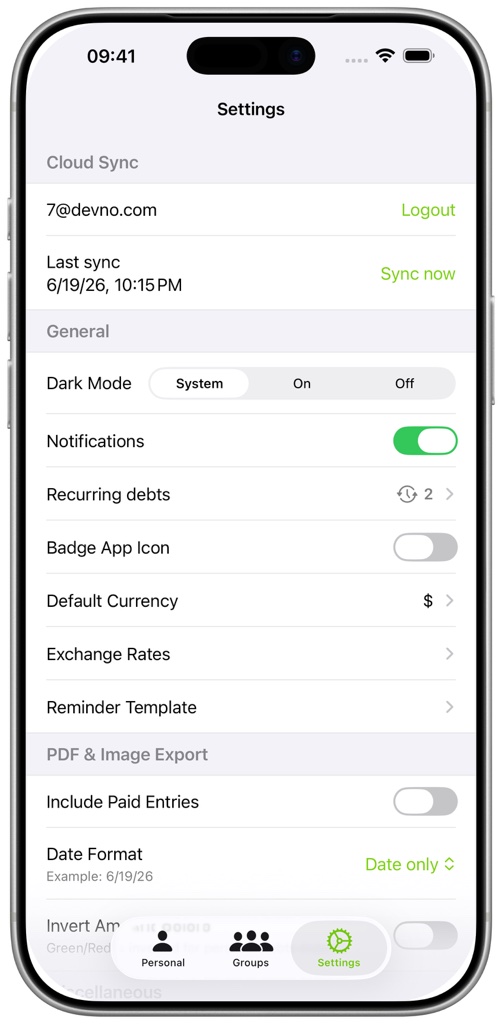
FAQ - How do I use Cloud Sync or move to a new device?
On a new device, install the app and sign in with the same account. Start a sync and wait until it completes before changing or deleting data on either device. Only data that was successfully synchronized can be restored if the original device is lost or damaged.