FAQ - How do I record a partial or full payment?
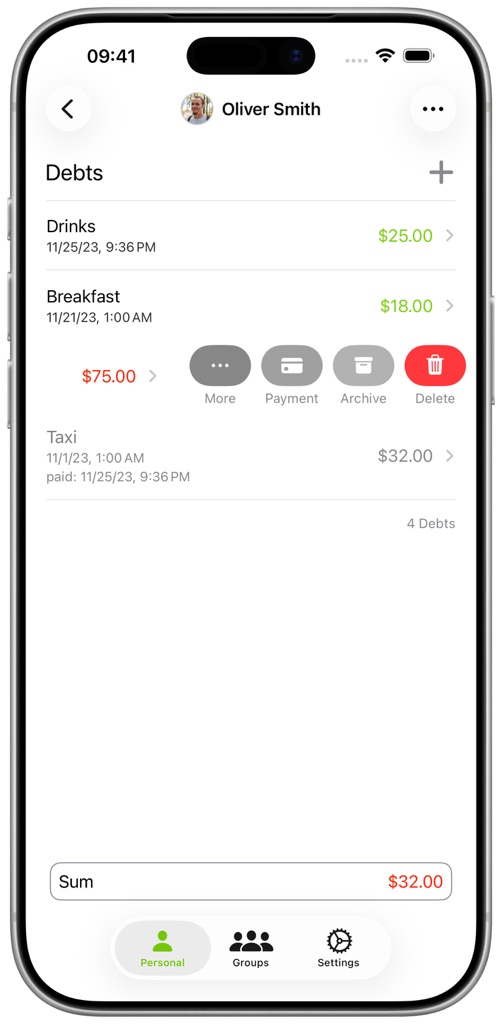
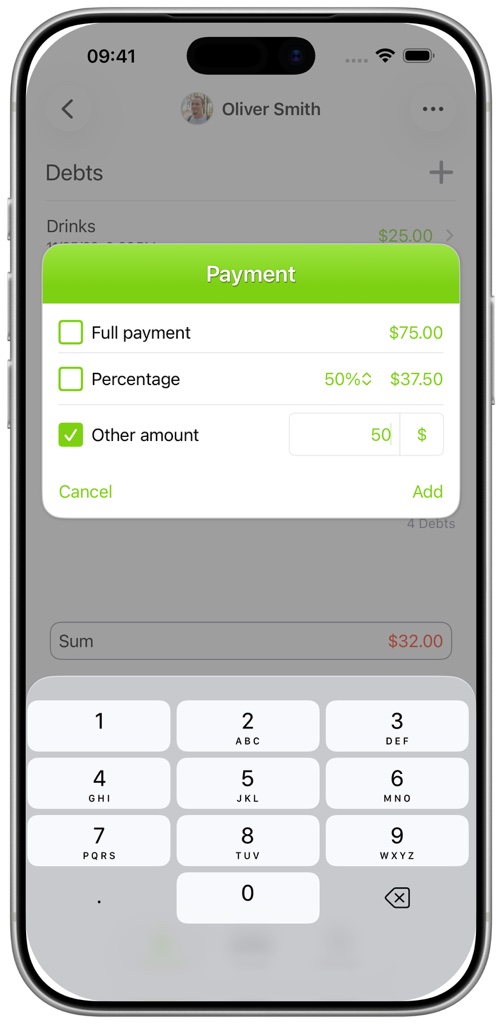
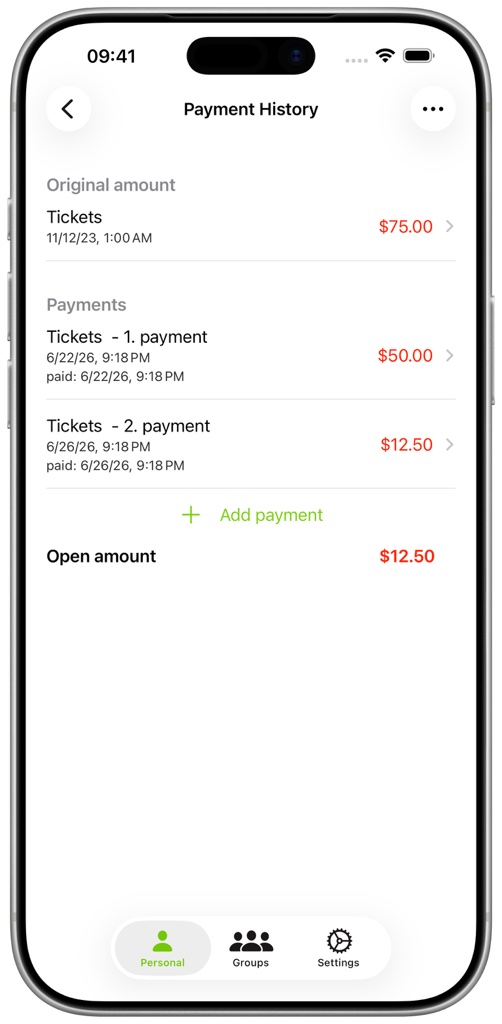
Enter the amount that was paid. A partial payment reduces the outstanding amount and keeps the original amount visible. A full payment marks the debt as paid. Open the payment history to review the payments connected to a debt.