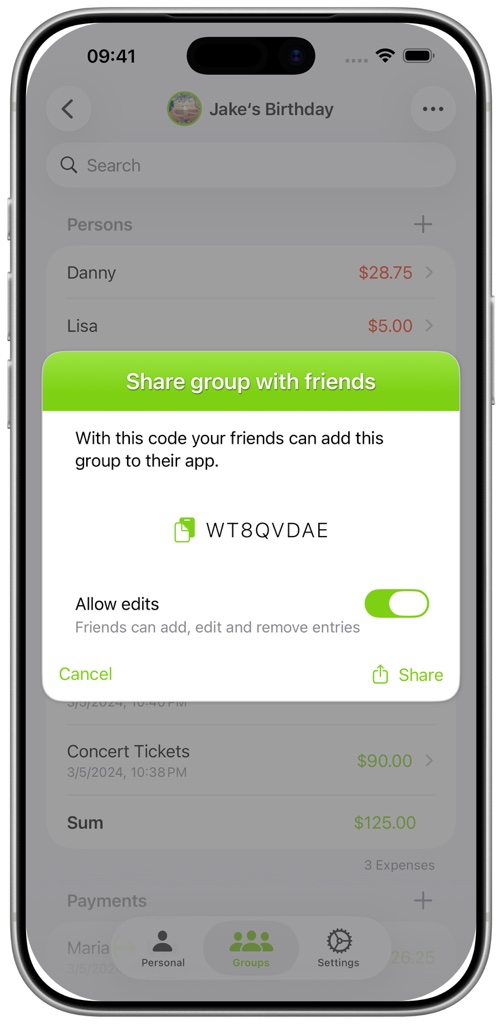
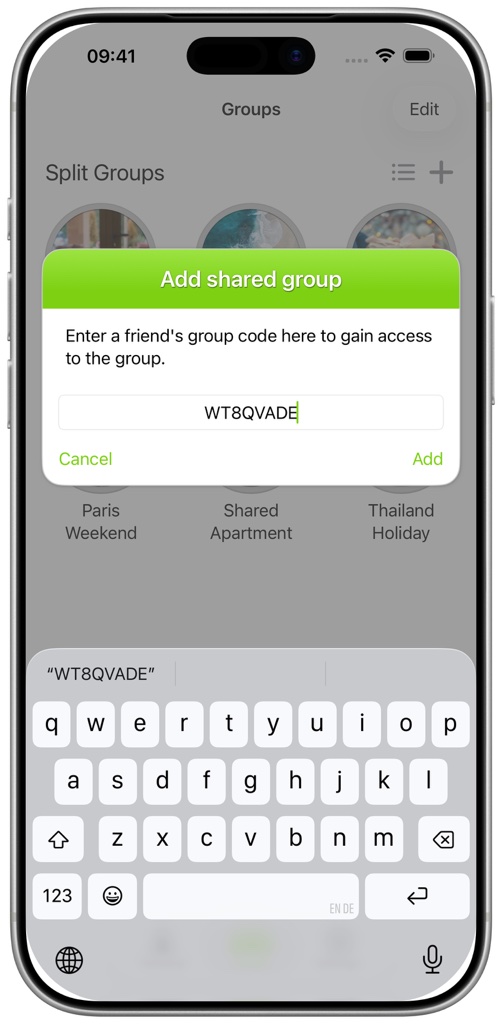
FAQ - How do I share a group with other people?
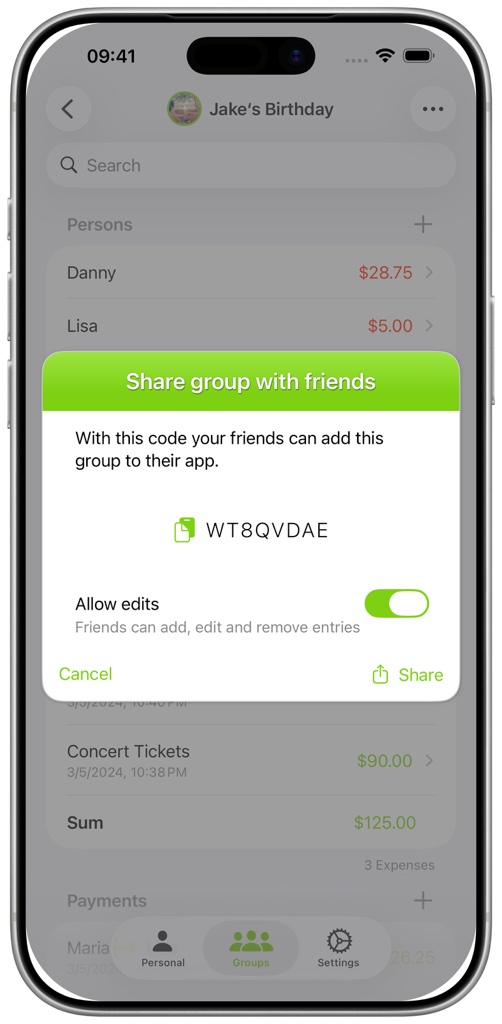
They can press the add button in Group Splitting, select Enter Shared Group Code, and enter the code. The owner chooses whether participants have read-only access or can add and edit entries. Only the owner can change this permission.