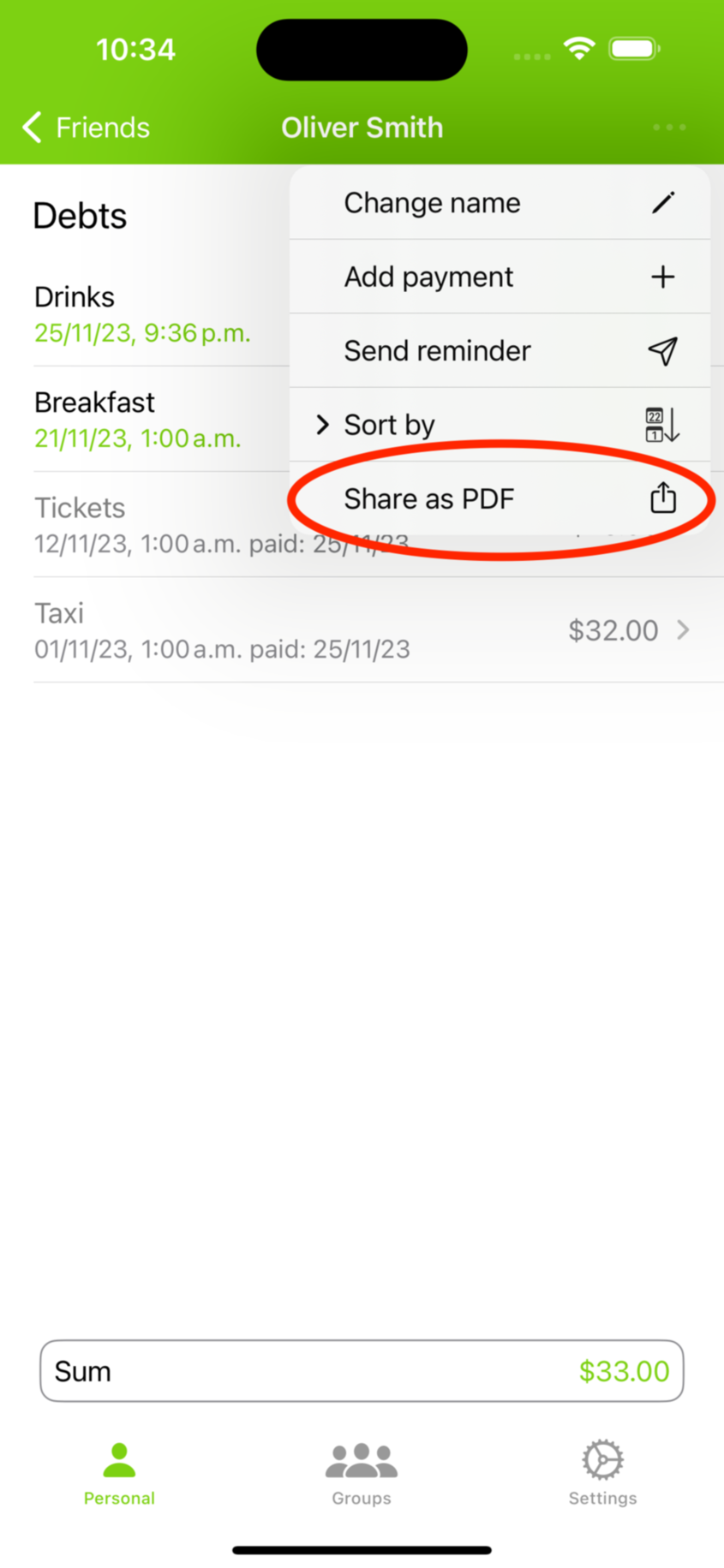
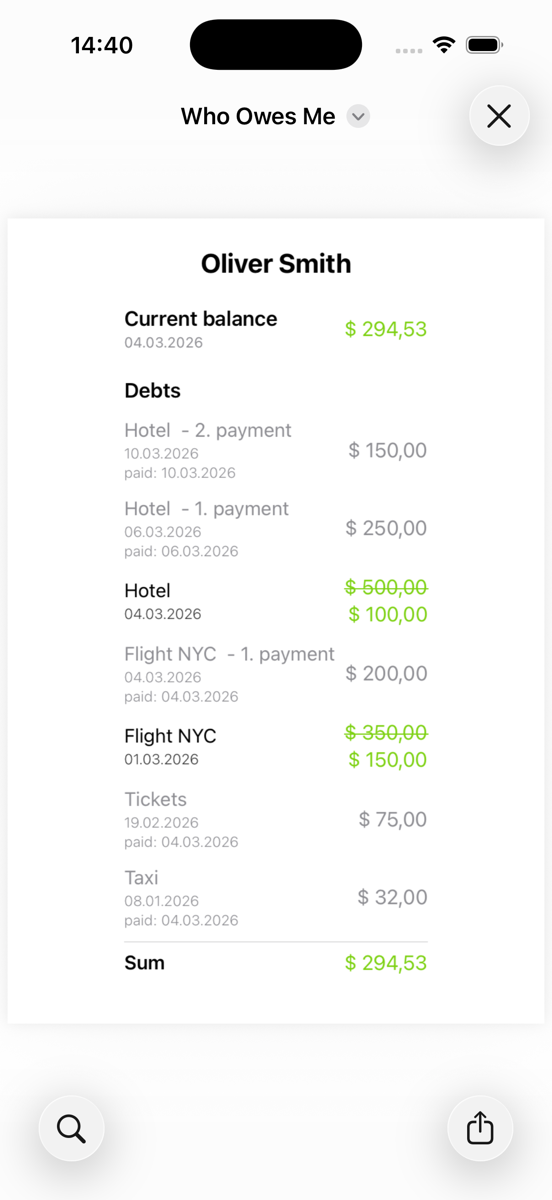
FAQ - Share folder or person as an image
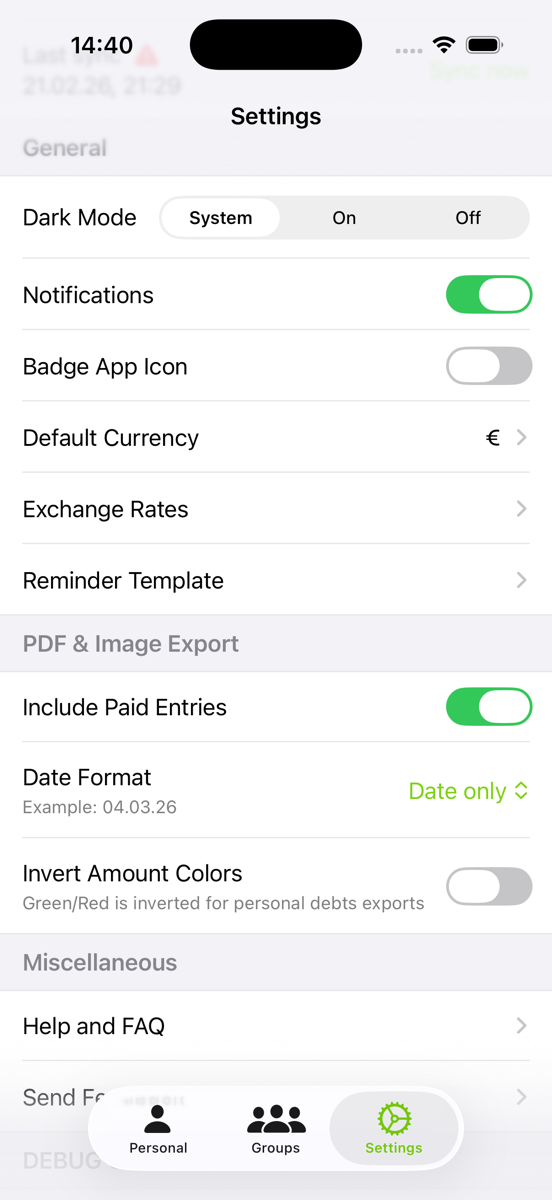
In the app settings, you have the option to customize several features. For example, you can choose to include entries marked as paid, display only the date, or show both the date and time. Additionally, there's an option to invert the colors of the amounts, which can be helpful for sending images from the recipient's perspective. When this option is enabled, money they owe you will appear in red, while money they are due to receive will be shown in green.