Who Owes Me
Home
Features
Screenshots
F.A.Q
Getting Started
Should I use Personal or Group Splitting?
How do I add my first personal debt?
What do the colors and balances mean?
Personal Debts
How do I record a partial or full payment?
How do reminders work?
How do recurring debts work?
What is the difference between archiving and deleting?
How are different currencies handled?
How can I share or export personal debts?
Group Splitting
How do I create a split group?
How do I add and split an expense?
What is the difference between an expense and a payment?
How do Suggested Payments work?
How do I share a group with other people?
Why can I not edit or delete something in a split group?
How can I share a split group as an image or PDF?
Sync, Data, and Settings
Where is my data stored and is it shared with other companies?
How do I use Cloud Sync or move to a new device?
What should I do when Cloud Sync is not working?
Why am I not receiving notifications?
What does Premium include and how do I restore it?
Blog
Deutsch
FAQ - Change expense currency
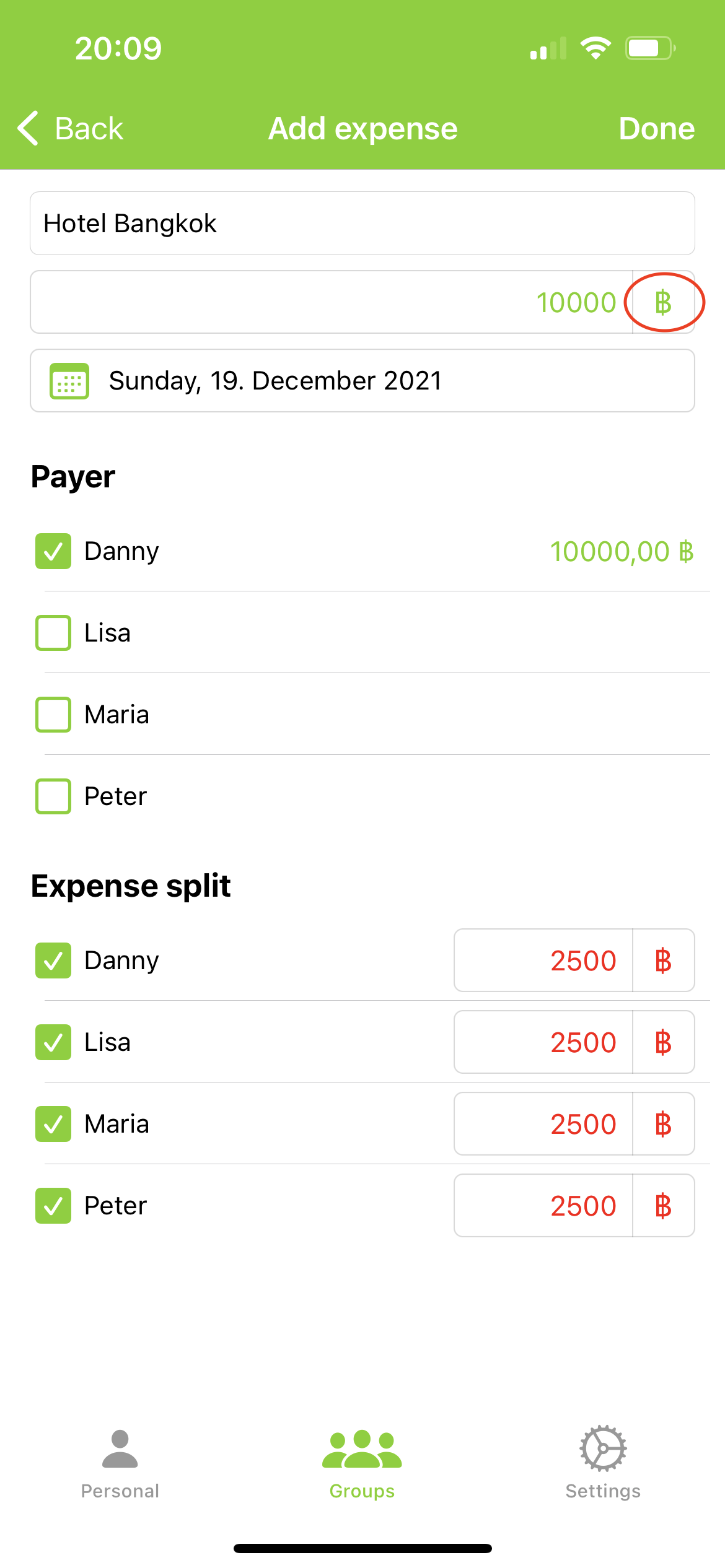
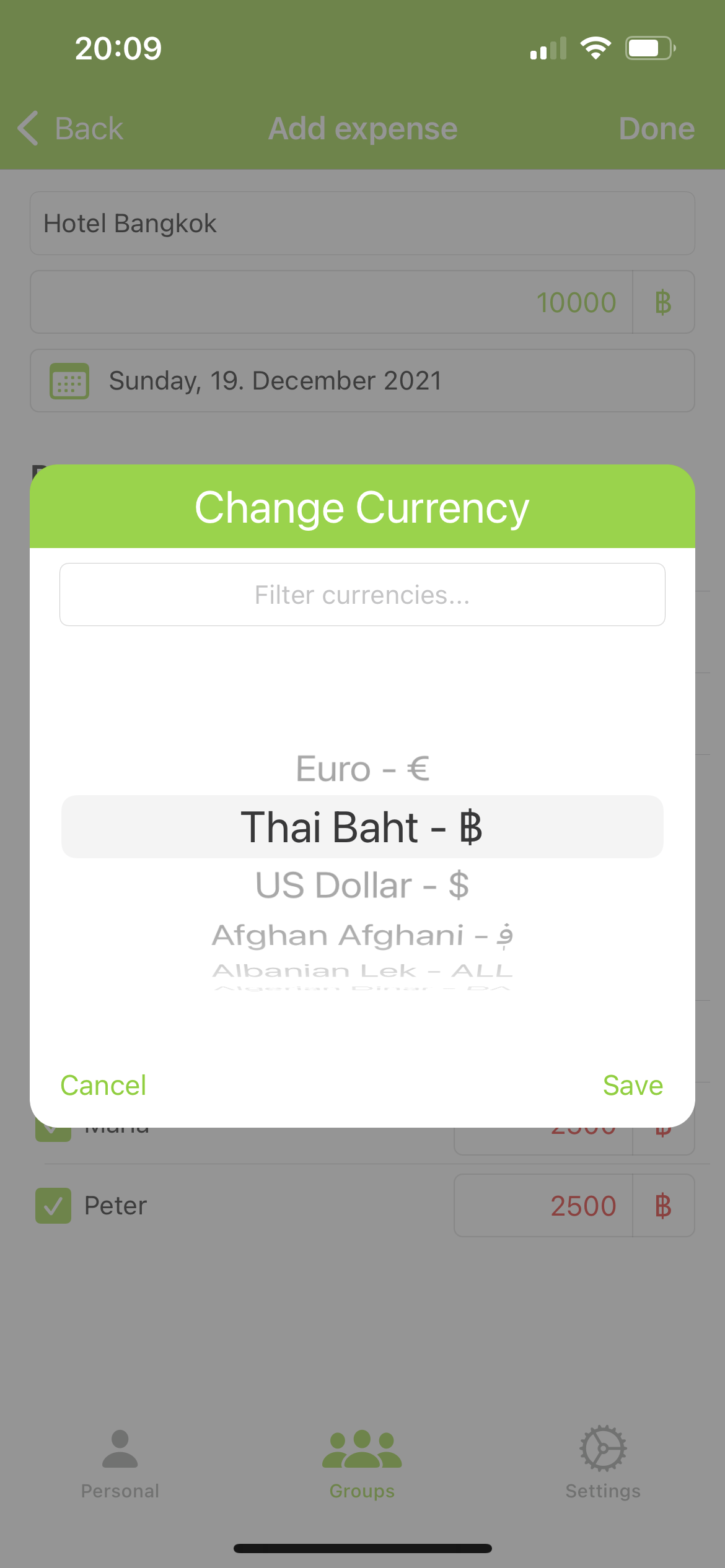
To change the currency of an expense or payment, simply tap on the currency symbol next to the amount. Then, choose your desired currency from the list and hit "Save."