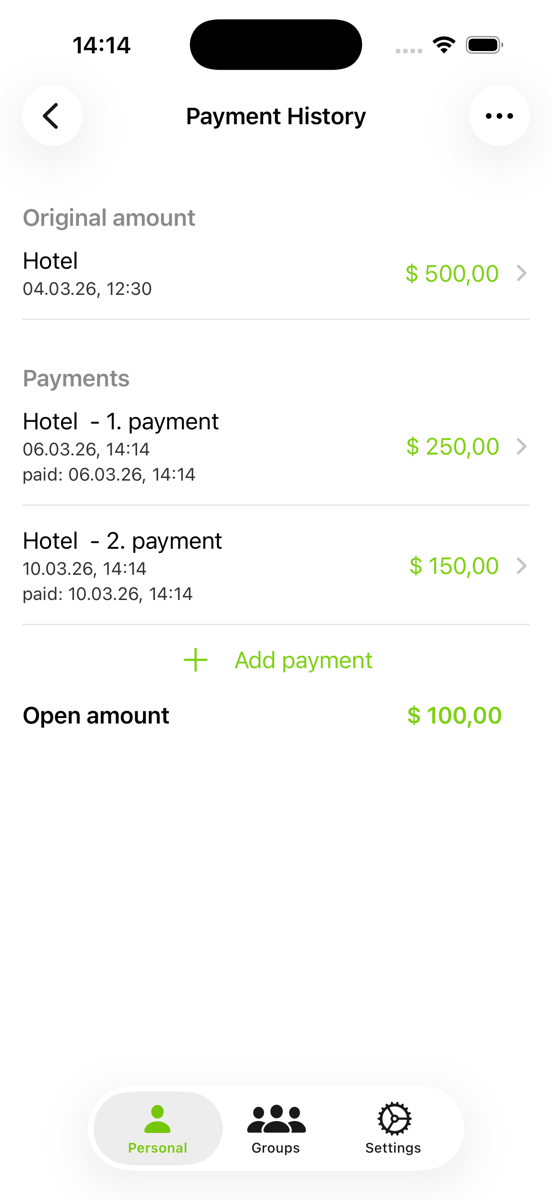
FAQ - Add a partial payment
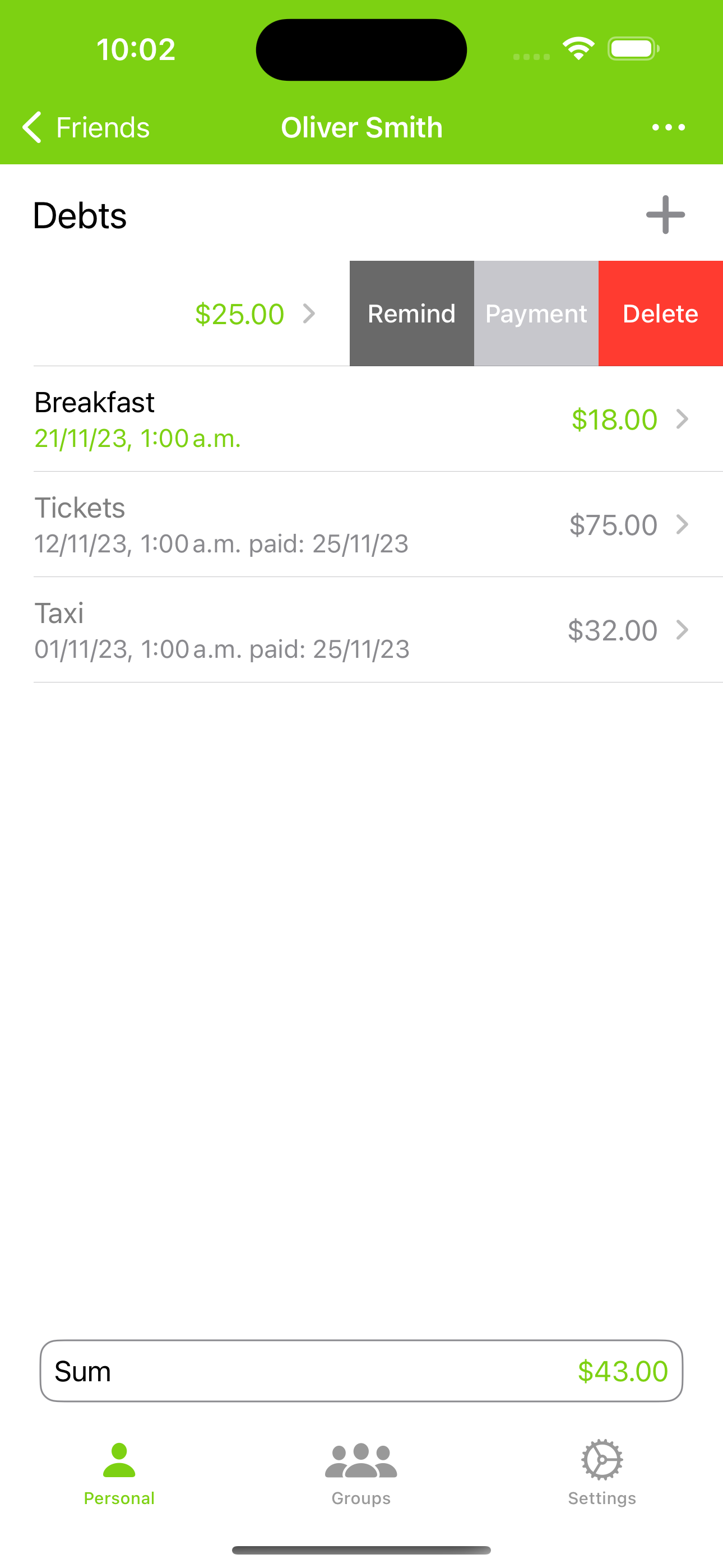
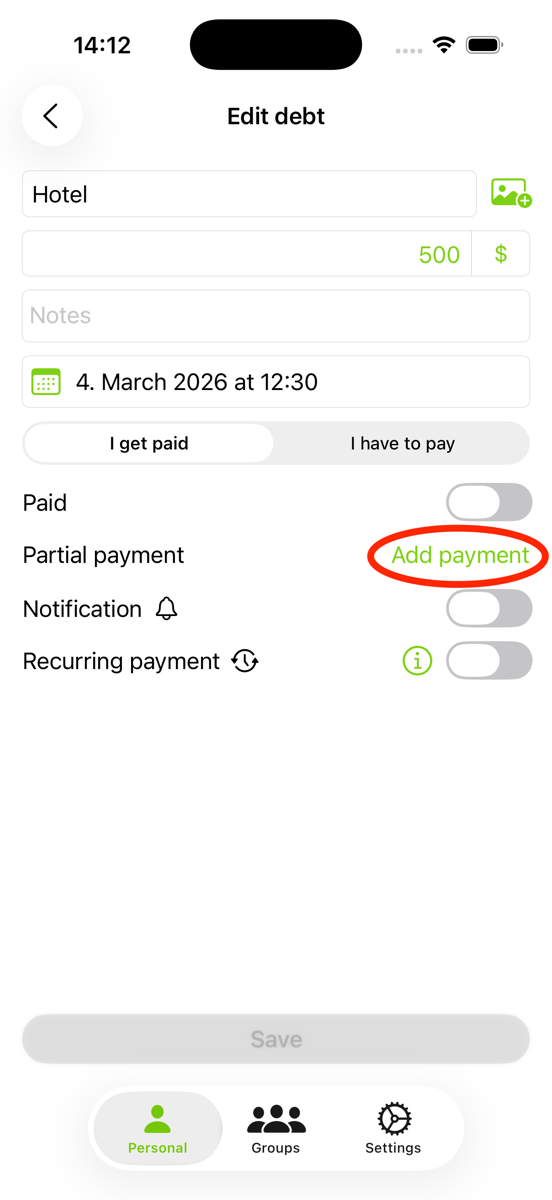
Alternatively, open the Edit view and tap Add Payment.
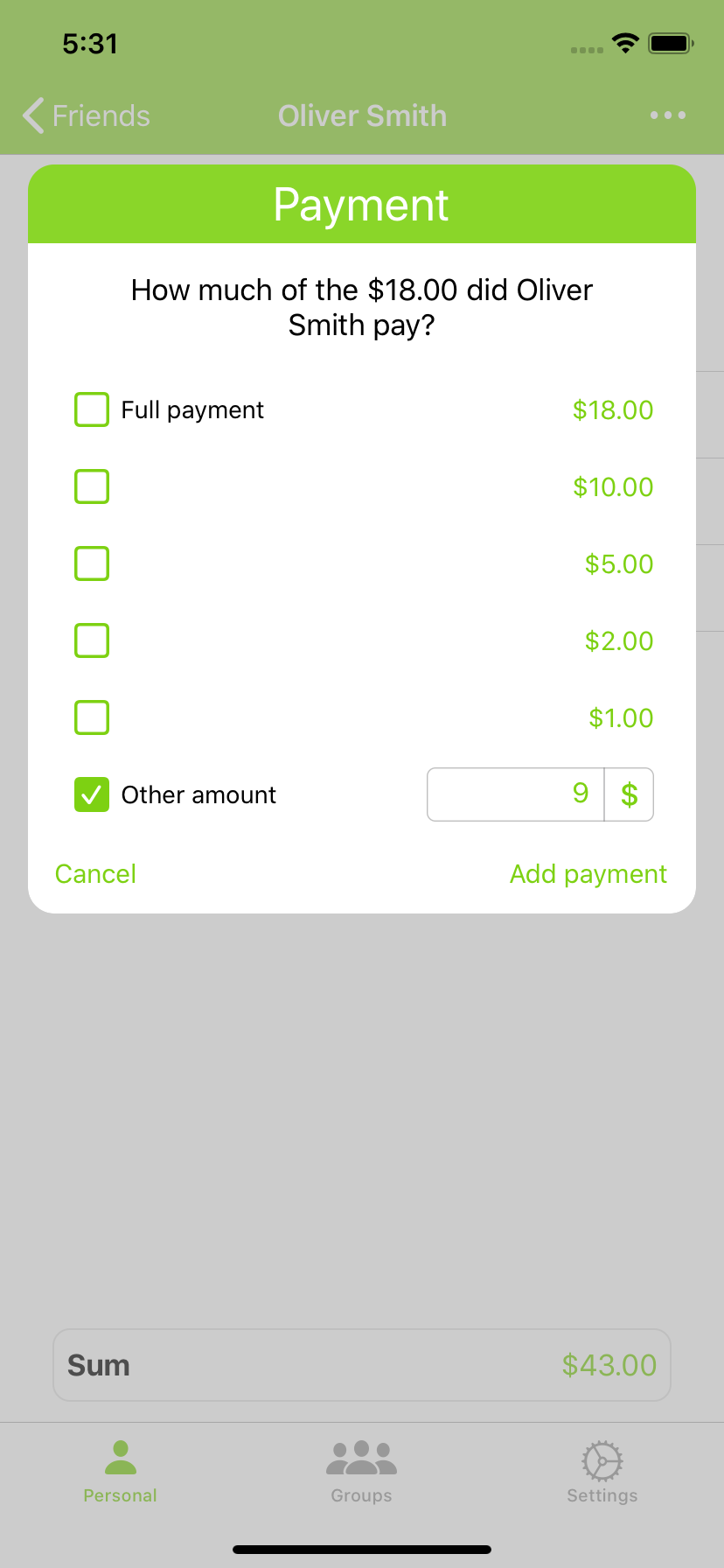
A popup will appear where you can enter the payment amount.
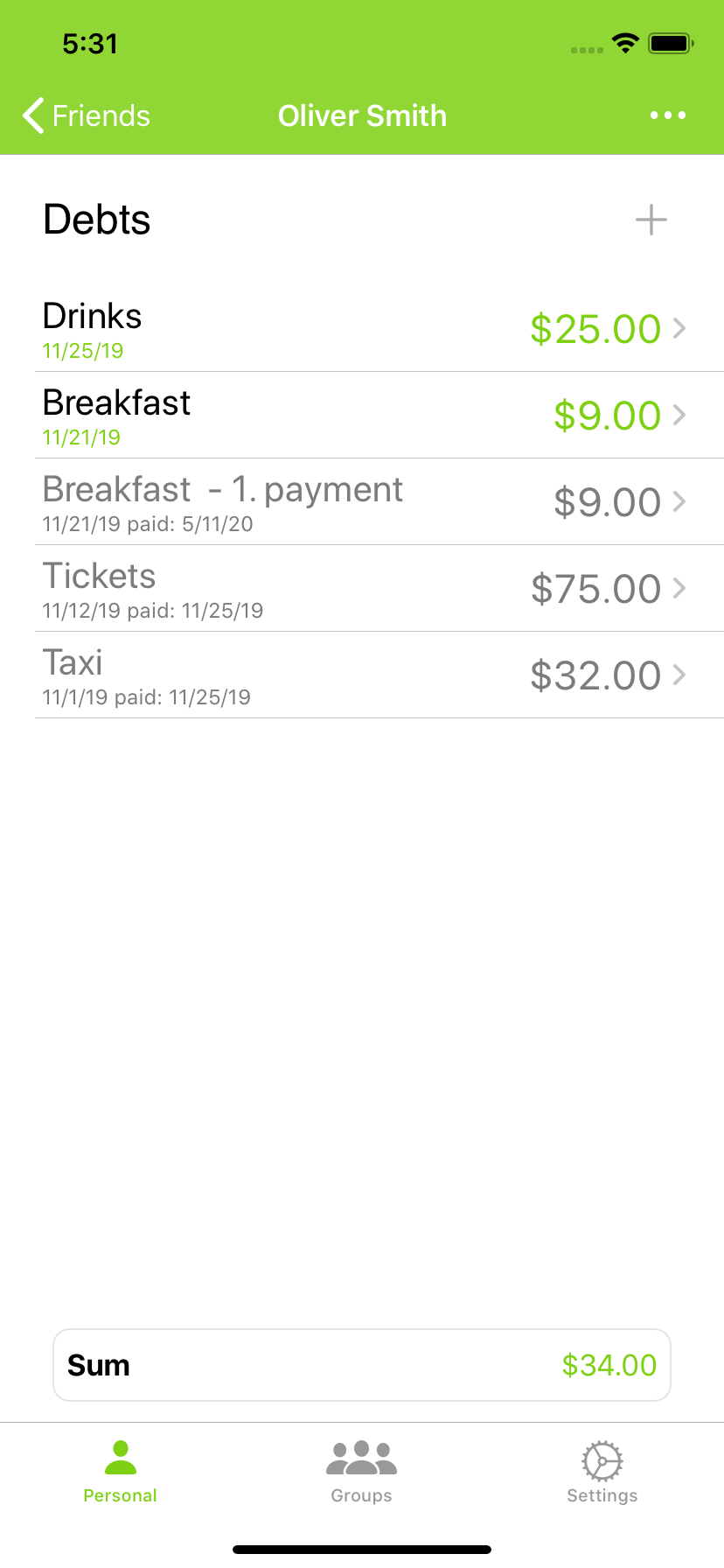
The payment will be added to the list as a paid entry, and the amount will automatically be deducted from the original debt. The original amount is shown crossed out above the remaining balance.
If the payment covers the full amount, the debt will simply be marked as paid.