FAQ - Suggested payments
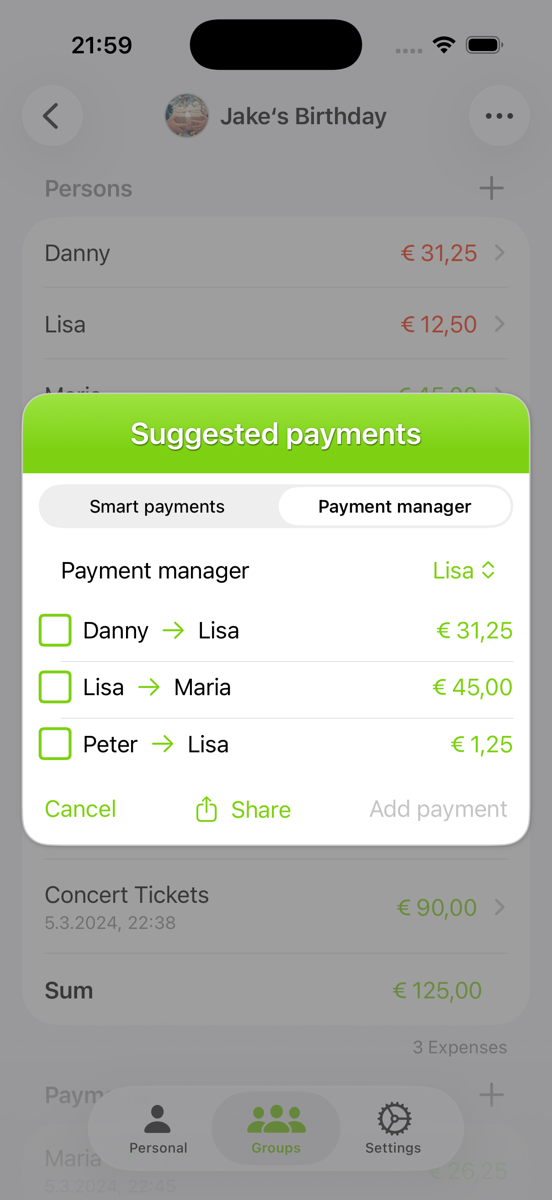
If you designate a "Payment Manager," that person will oversee all transactions. Individuals with a negative balance will make payments to the Payment Manager, while those with a positive balance will receive payments from them.
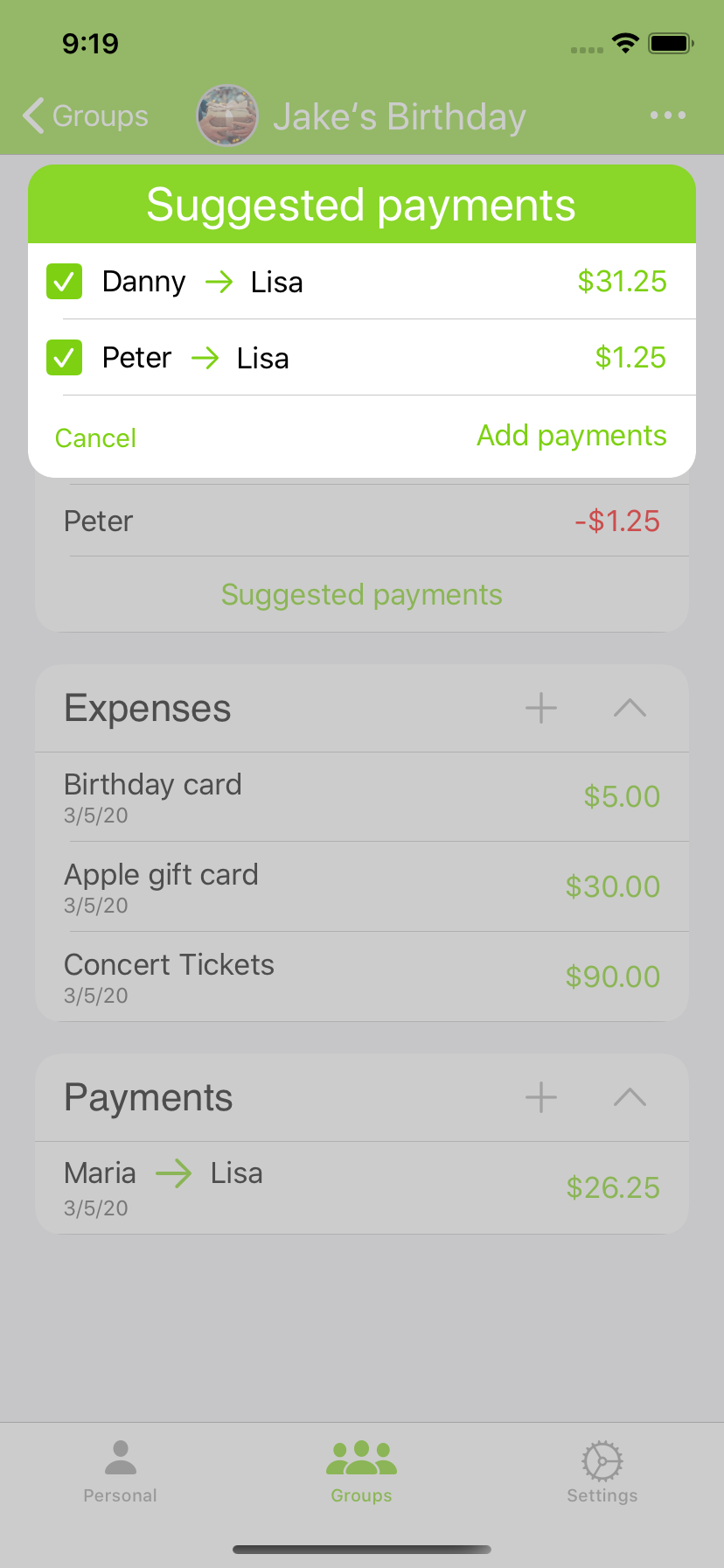
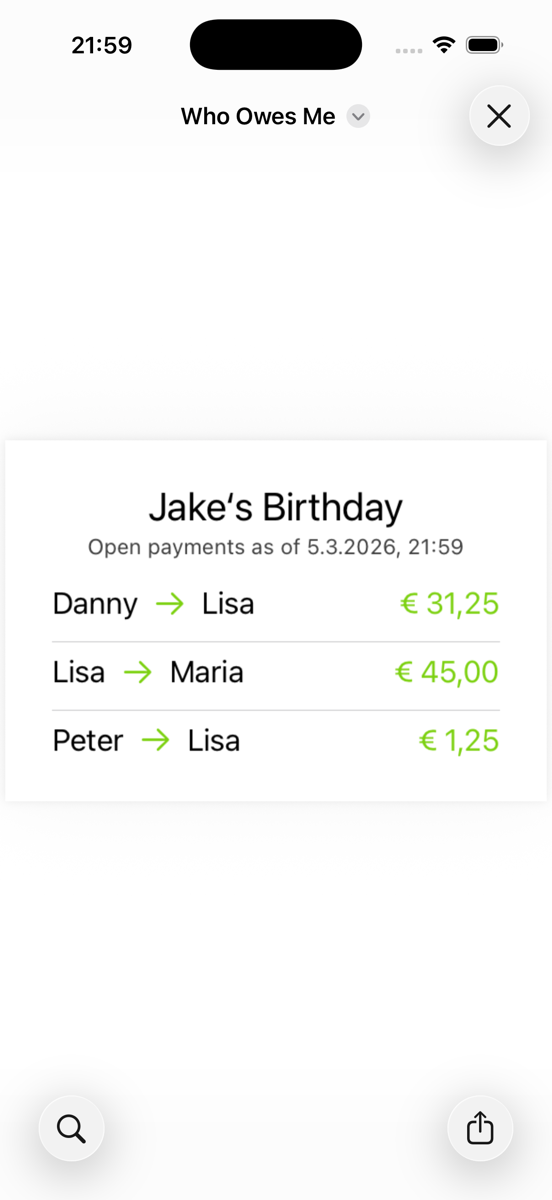
To add a payment, just select the relevant row and click "Add Payment." You can also share an image that displays all outstanding payments.