FAQ - Archive a group
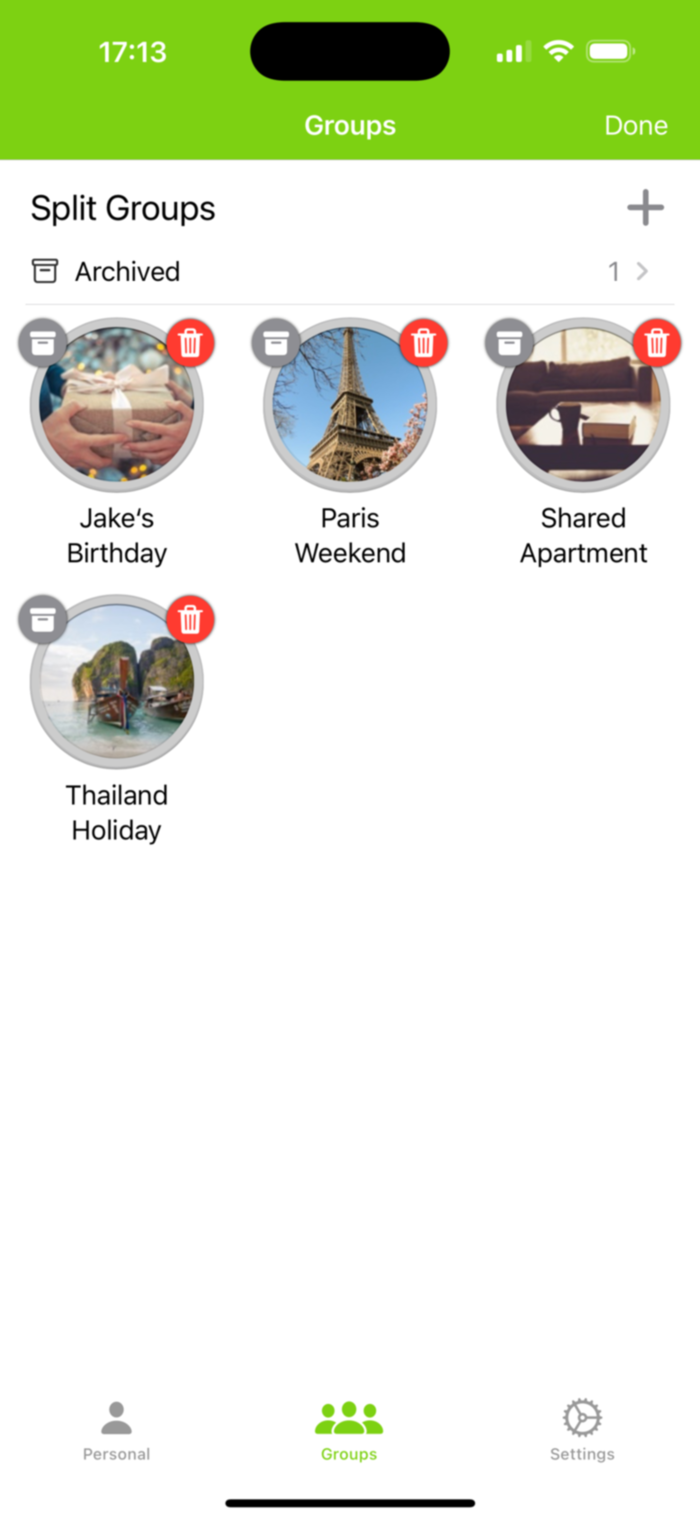
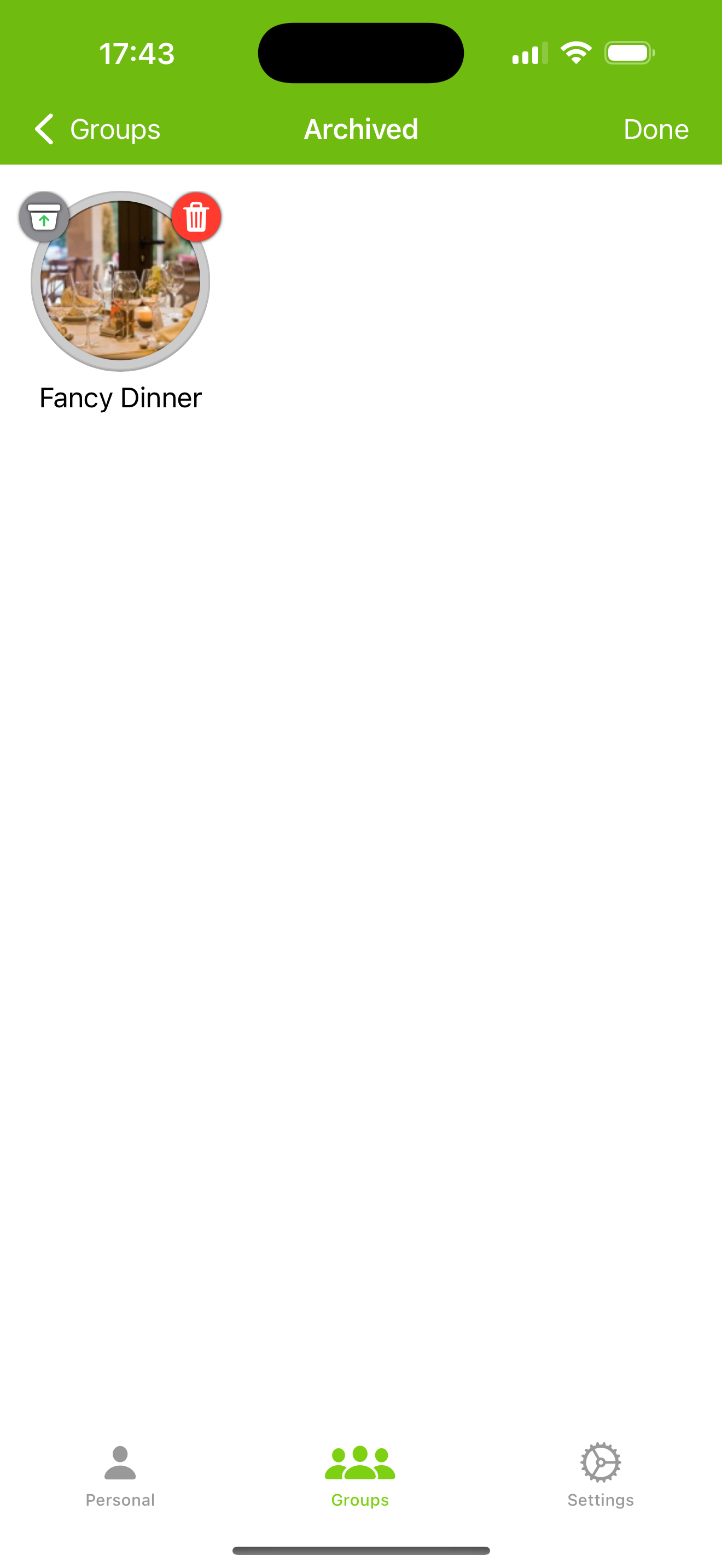
If you no longer need a group but want to keep it without deleting it, you can easily archive it. Just click the archive button while in edit mode or use the "more" menu in the detail view. Once archived, you can view, restore, or delete entries from the "Archived" screen.
Please note that archiving is not synced across devices. This means that if you archive a group on one device, it won’t be archived on your other devices or on the devices of friends with whom you've shared the group.